BizBrokery: what a business-for-sale site teaches about public and private pages
Picture an owner who has run a shop for years and is ready to sell. She wants buyers to find it. She does not want her staff, her landlord or the shop across the street to read her books. She needs to show a little to everyone, and a lot to the right few.
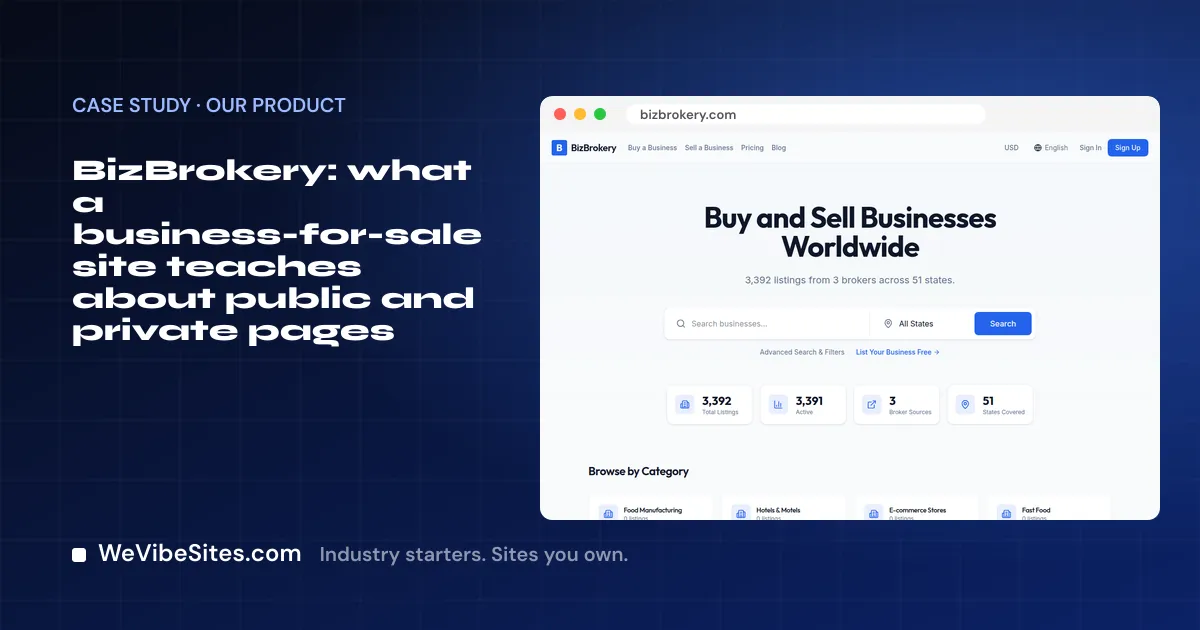
That is the problem BizBrokery works on. It is a place to buy and sell businesses.
BizBrokery is our own product. It is not a client site. We built it and we run it.
What a visitor can do
A buyer can browse businesses for sale. They can filter by what they want and save the ones they like. They can line a few up side by side to compare.
A seller can make a listing with a step-by-step form. The form asks for the asking price and the details a buyer needs. The seller picks what is public and what stays private.
When a buyer wants the private details, they sign an NDA first. An NDA is a promise to keep the details secret. Only after that can they see the deeper facts.
From there, the buyer and seller can talk in a private deal room. They can send messages, share files and work through an offer.
There is also a tool that gives a rough value for a business. The site is careful to say it is an estimate only, and that the real value can be different.
The big idea: two layers
Strip away the details and BizBrokery has two layers.
- The public layer. Anyone can see it. It is there to draw people in and help them decide.
- The private layer. Only the right people see it, after they sign in and agree to the terms.
Lots of business sites need both layers. A law firm has a public site and private client files. An accountant has public services and private tax papers. A builder has a public gallery and private quotes.
How it was built
We built BizBrokery by vibe coding. We told it what we wanted, in plain English, and an AI coding tool wrote the change. Then we checked it and moved on to the next one.
A request might be "make buyers sign the NDA before they see the numbers." Or "add a button to compare two listings." Each one is a sentence. Each one becomes a working part of the site, after a person tests it.
That is the same way you will change your own site after a Launch. You type what you want. The site changes. You check it.
What a business owner can take from it
You do not need a marketplace. But you may need that private layer.
Every Launch can include a client portal if you want one. Your clients sign in with a code we email them. Inside, they see their own bookings, invoices, quotes and files. Nobody else sees them.
That is the same two-layer idea, sized for a small business. Your public site helps people find you and reach out. Your portal keeps each client's papers in one safe spot.
A Launch can also set up one contact list. Every form, booking and payment becomes a contact, so you are not hunting through your inbox.
And once it is live, you can grow it by typing. Try "add a page where clients can upload signed forms." We teach you how on the call.
See it, then take the next step
Look around BizBrokery, then see the rest of our portfolio. Our starters are free code you can clone for $0. A Launch is $2,500, paid once. It comes with two hours of live building with one of our people, and the site runs in your own account.
Book a free call to talk it through. Or type your web address on See what you'd get, and we will show you what a Launch would set up.