Crestline Dental: a demo written for the patient who has been putting it off
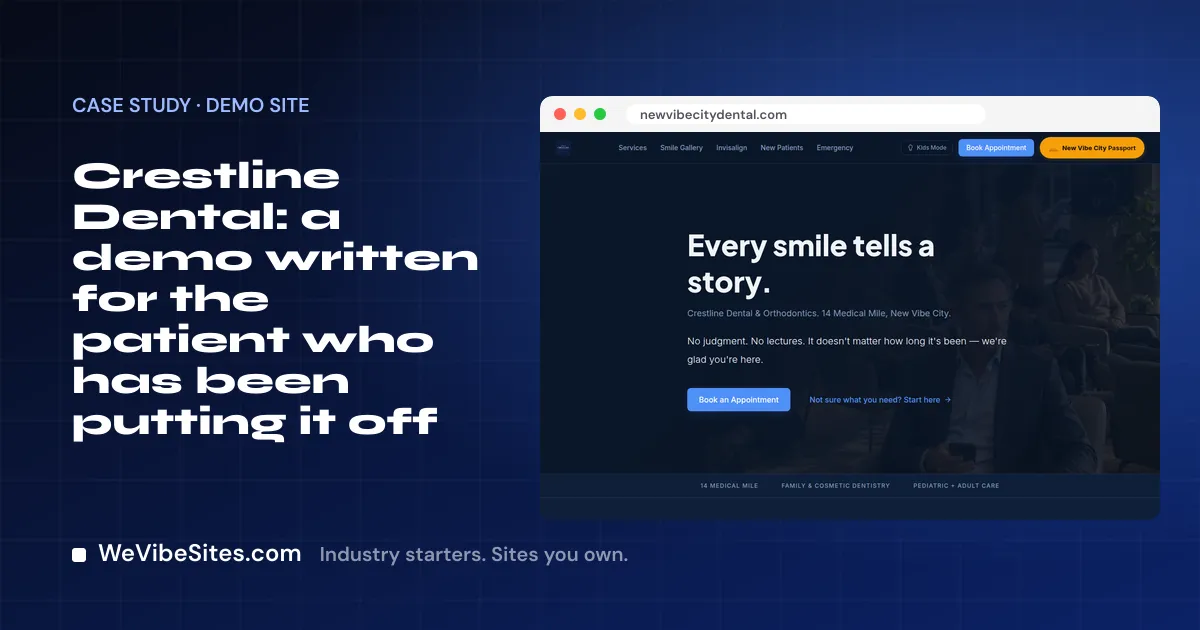
Some people have not seen a dentist in a long time. Maybe it was money. Maybe it was fear. Maybe life just got busy. Now a tooth hurts, and they feel embarrassed before they even pick up the phone.
The first thing they read on your site matters a lot.
On our dental demo, the first thing they read is this: "No judgment. No lectures. It doesn't matter how long it's been. We're glad you're here."
The practice is made up
Crestline Dental & Orthodontics is a made-up business. We run it as a demo at newvibecitydental.com. There is no Dr. Webb, and the smiles in the gallery are not real patients. We built it to show one look a dental site could have.
Many tools on the demo are not part of a Launch. Each one we name below is shown on the demo, and is not included unless it is on your Launch list.
A page that lowers the stakes
Read the home page top to bottom and you will notice a pattern. Every part tries to make the next step feel smaller.
- "Not sure what you need? Start here." A button for people who do not know the word for their problem. It leads to a short, judgment-free check. The page says plainly that it is not a diagnosis, just a start to a talk with the dentist.
- Treatment paths. Instead of a long list of services, there are three paths: fix and restore, straighten and refine, and cosmetic. Each path shows the steps in order.
- Dental emergency? A clear box with a phone number and a button to book an emergency visit.
- New to the practice? A short section says you can fill in your forms online before you come, and that your first visit starts with a talk.
There is also a smile gallery, a page for clear aligners, and a Kids Mode button that changes the look of the site for children. Those are shown on the demo. They are not included unless they are on your Launch list. The same goes for the check-up tool and the patient health pages.
How it was built
Crestline was built by vibe coding. We told the site what we wanted, in plain English. An AI tool wrote each change, and a person checked it.
Your practice will change its own site the same way. It might be:
- "Add a page for our new hygienist, with her name and a short bio."
- "Put a note on the home page: we now see patients on Saturdays."
You make one real change like this on your Launch call, with us there to help. We also teach you the visual editor, for quick fixes like a phone number or a photo.
What a real practice gets
A Launch is $2,500, paid once, with two hours of live building with one of our people. If you want each one, we set up and test it with you:
- Online booking. Your Google or Microsoft calendar, linked. Your visit types and hours. One real test booking.
- Online payments. Into your own Stripe, PayPal or Square account. We never hold your money.
- A client portal. Patients sign in with a code we email them, and see their bookings, invoices and files.
- One contact list. Every form, booking and payment becomes a contact. We bring in the contacts you have now.
Your site uses your real practice name, your team, your services and your colors. It works on a phone. Patient words and before and after photos go up only with their permission.
A chat box is there if you want it. It answers only from facts you approve.
The site runs in your own Replit account. We charge $0 a month, and your host bills about $20 US a month for use. You own the code.
Have a look
Visit Crestline and read it as a nervous patient would. Then see the Dental starter, or start your Launch. If you have questions, book a free call.