Two newsrooms, one made-up city: our Gazette and NVC News demos
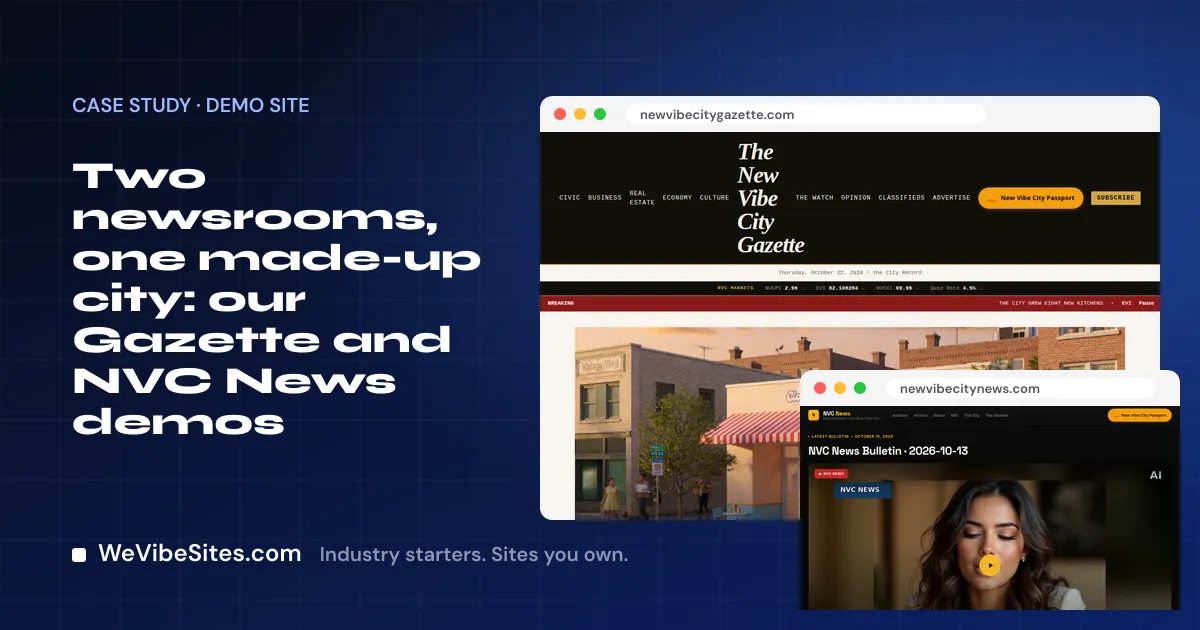
Picture the editor of a small-town paper on a Wednesday night. The council meeting ran late. The story is written. Now she has to get it online, and the website fights her every step.
A news site should make that part the easy part. We built two demos to show what that can look like.
Two made-up newsrooms
Both of these are made up. We run them as demos, and the city they cover is made up too.
- The New Vibe City Gazette is a city paper.
- NVC News is a daily video news site.
Both cover New Vibe City, our own online city full of AI residents. The people in the stories are not real, and nothing in them really happened. We built them to show one look a news site could have.
Many tools on these demos are not part of a Launch. Each one we name below is shown on the demo, and not included unless it is on your Launch list.
The Gazette: a paper you can find your way around
The Gazette looks and feels like a paper. Across the top are the sections: Civic, Business, Real Estate, Economy and Culture. Next to them are Opinion, Classifieds, Advertise and Subscribe. Under the name is the line "The City Record."
That layout does one big thing for a reader. They can go straight to the part of town life they care about. The person who only reads the business page never has to scroll past the civic news.
The section front page, columnist pages, subscriber tools and archive search are shown on the demo. They are not included unless they are on your Launch list.
NVC News: a bulletin every day
NVC News is built around video. The home page leads with the latest bulletin, then a rundown of recent ones. Each bulletin has a short summary of the stories inside.
There are pages for the anchors, an archive and a feed readers can follow. There is also a "send a tip" button, so neighbors can tell the newsroom what is going on.
The video player, the anchor pages, the sections and the newsletter are shown on the demo. They are not included unless they are on your Launch list.
How they were built
We built both sites by vibe coding. We told each site what we wanted, in plain English, and an AI tool made the change. A person checked each one.
That is how the editor on a Wednesday night can change her own site after a Launch. She might type:
- "Add a Schools section to the top menu."
- "Put a box on the home page for the council meeting story."
On the call, you make one real change like this, with us beside you. We also teach you the visual editor for small fixes, like a typo in a headline.
What a real local outlet gets
A Launch is $2,500, paid once. You get two hours of live building with one of our people. If you want each one, we set up and test:
- Online payments for what you charge for, like ads or support from readers, into your own Stripe, PayPal or Square account. We never hold your money.
- Online booking, for things like ad meetings, on your Google or Microsoft calendar. One real test booking.
- A client portal, where advertisers sign in with a code we email them and see their invoices and files.
- One contact list. Every form, booking and payment becomes a contact, including your tip forms.
Your site uses your real name, your writers, your sections and your colors. It works on a phone. Forms send each message to the inbox you name. We never write or make up news for you.
The site runs in your own Replit account. We charge $0 a month, and your host bills about $20 US a month for use. You own the code.
Read the front page
Visit the Gazette and NVC News. Then pick the starter that fits: the Newspaper starter or the News starter. When you are ready, start a Newspaper Launch, or book a free call to talk it through.